Read any PDF on a realistic 3D book
A tactile, two-page reading experience right in your browser — zoom into any section, switch reading modes, and reflow the text for comfort. Free, and nothing is ever uploaded.
No sign-up · Works with any PDF · 100% client-side
Everything you need to read comfortably
A real 3D book
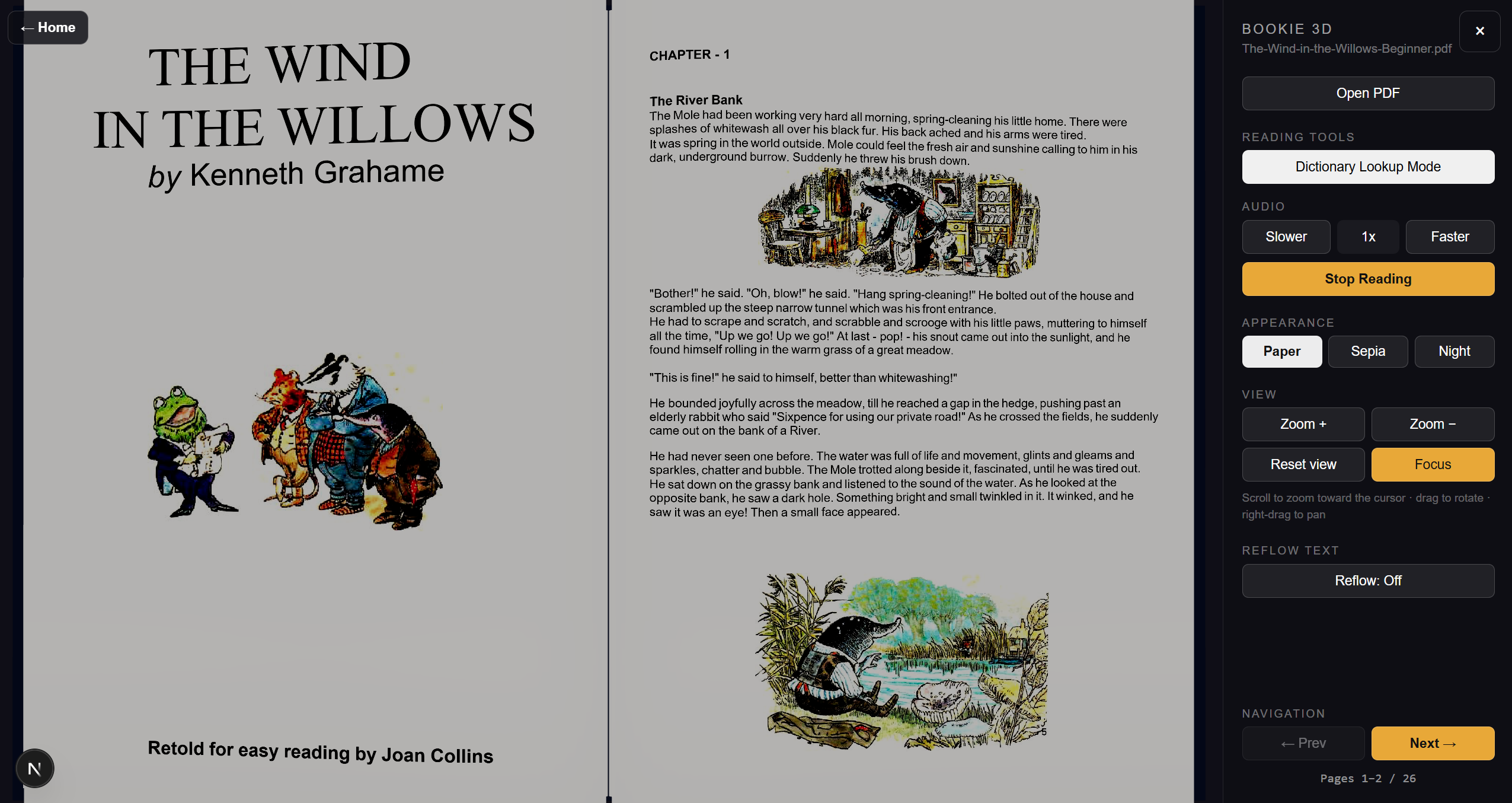
Your PDF is painted onto a true two-page spread you can rotate, tilt and orbit.
Zoom into anything
Scroll to zoom toward the cursor — pages re-render at higher resolution so text stays crisp.
Reading modes
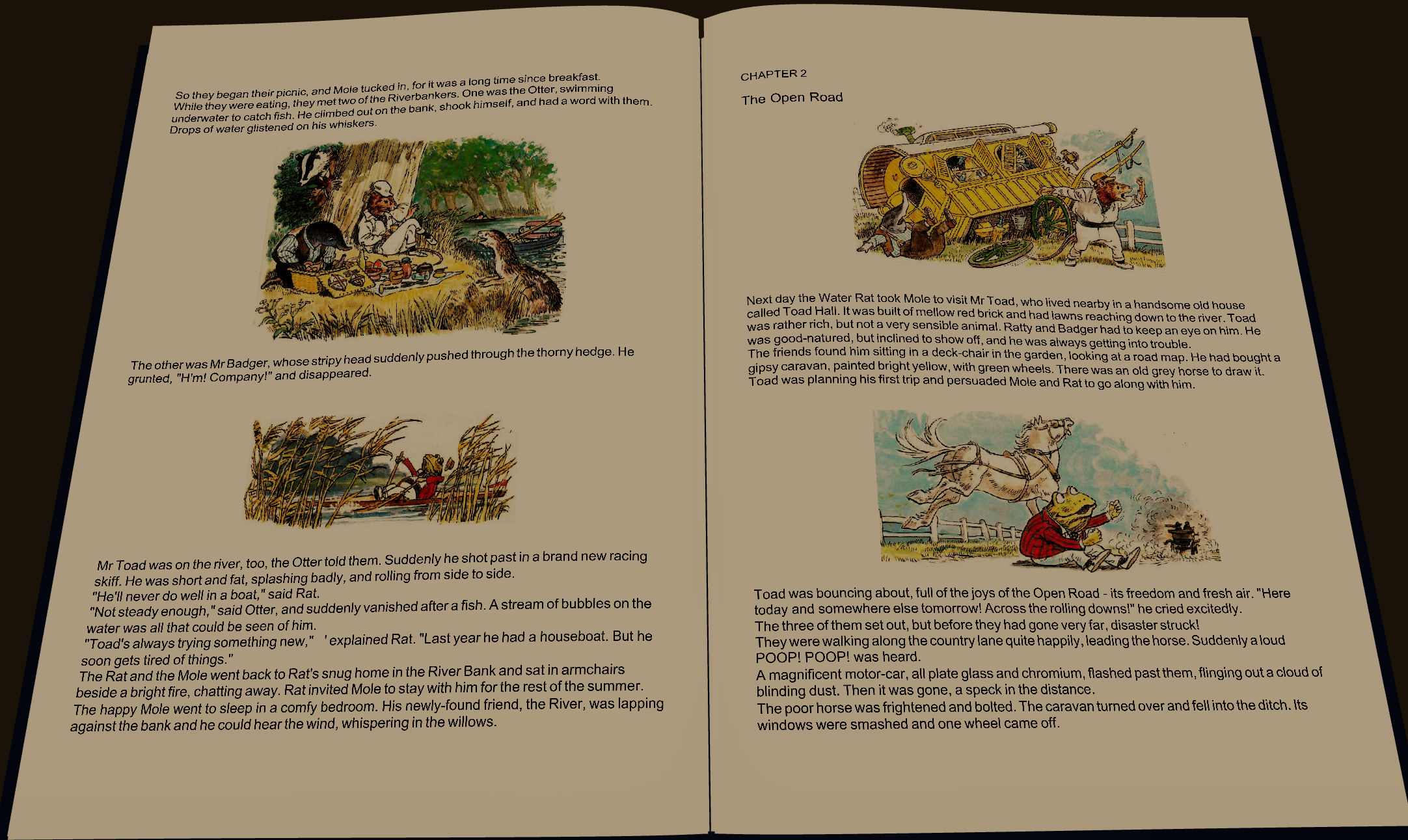
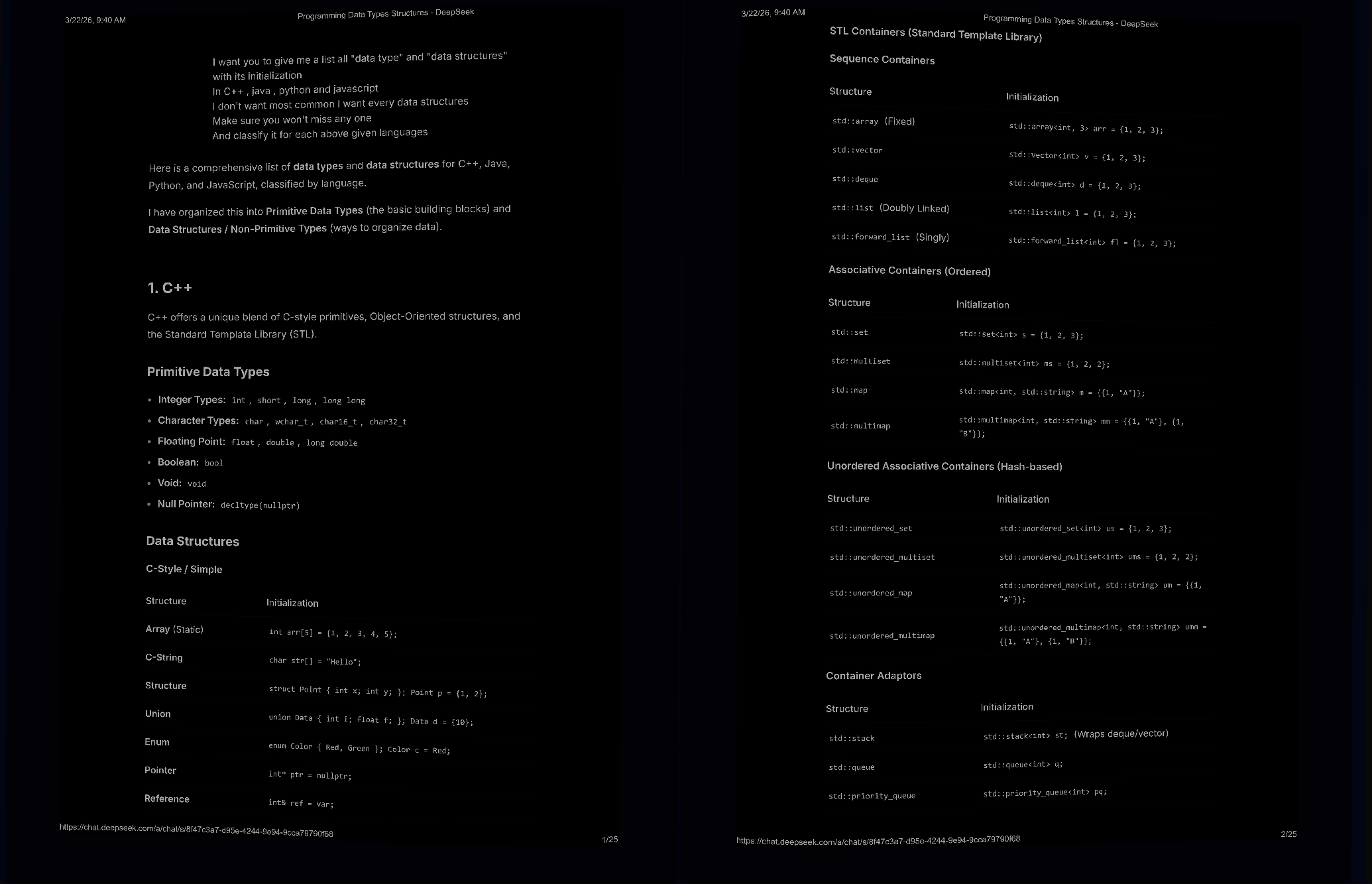
Paper, Sepia and Night, each with matched background and lighting for comfortable reading.
Reflow for accessibility
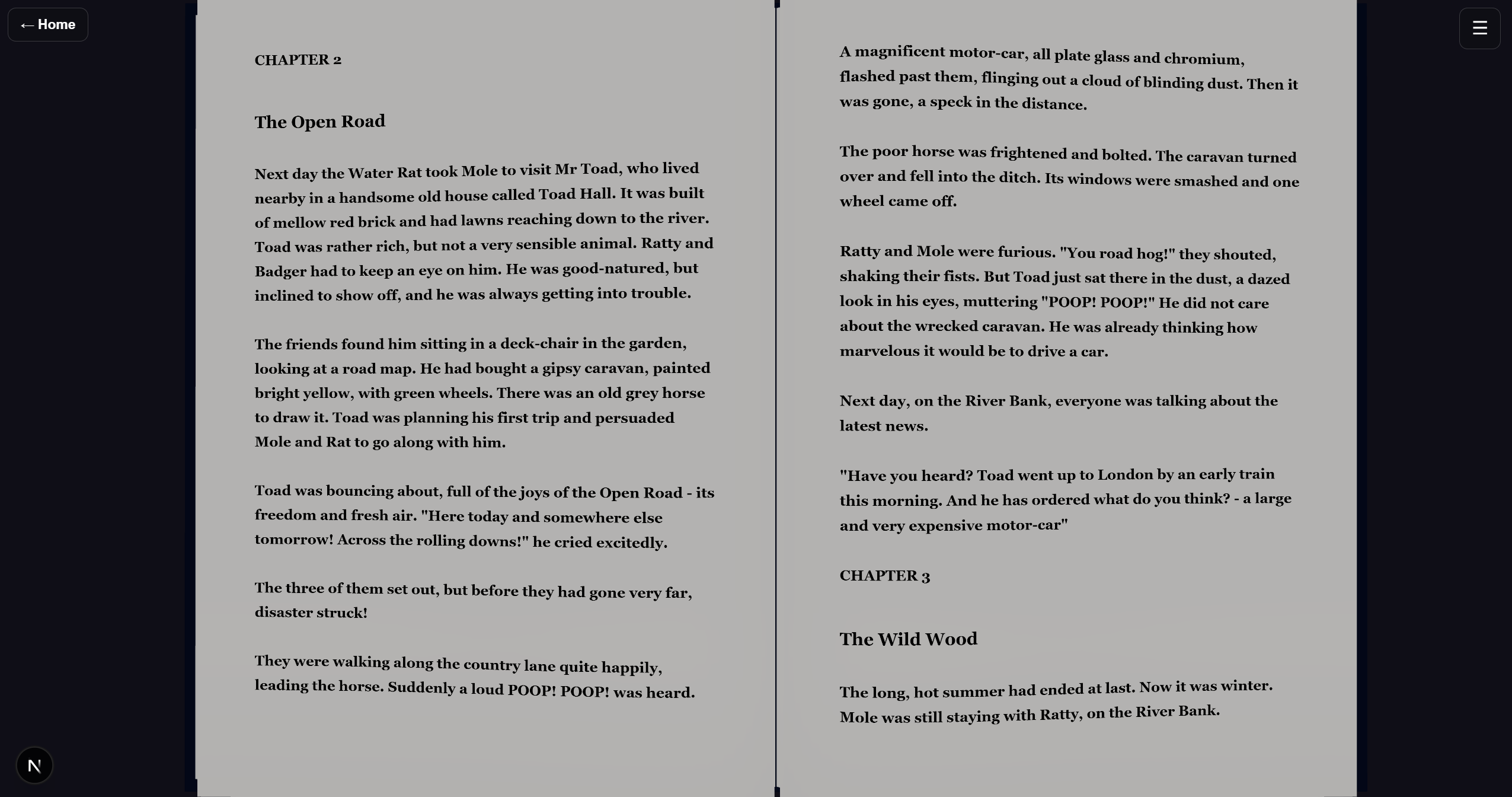
Re-typeset the text with adjustable font size, line spacing and weight — great for low vision.
Any PDF
Open any PDF from your device. No conversion, no sign-up, no limits.
100% private
Everything runs in your browser. Your file is never uploaded to any server.
Modes & reading tools
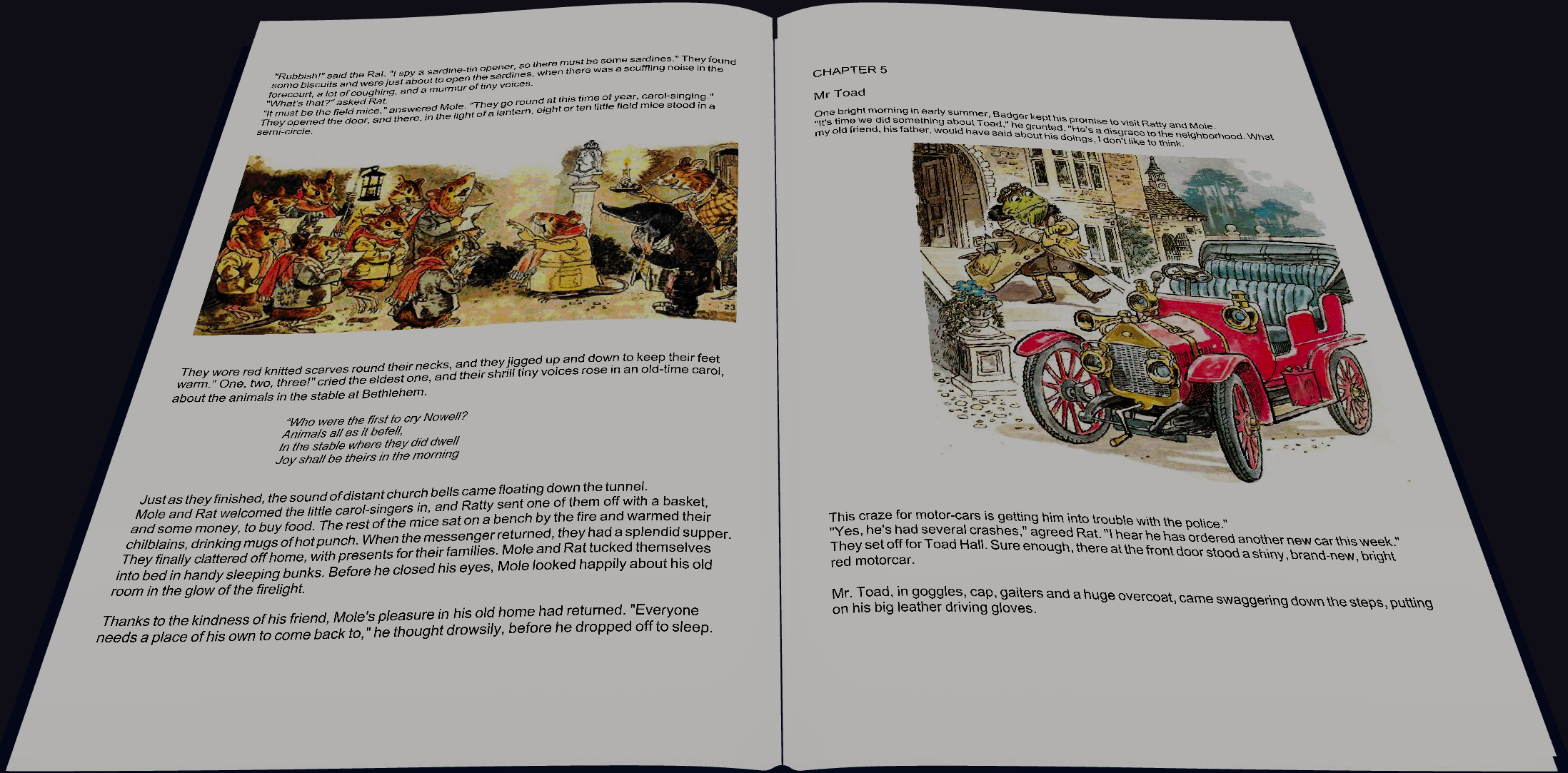
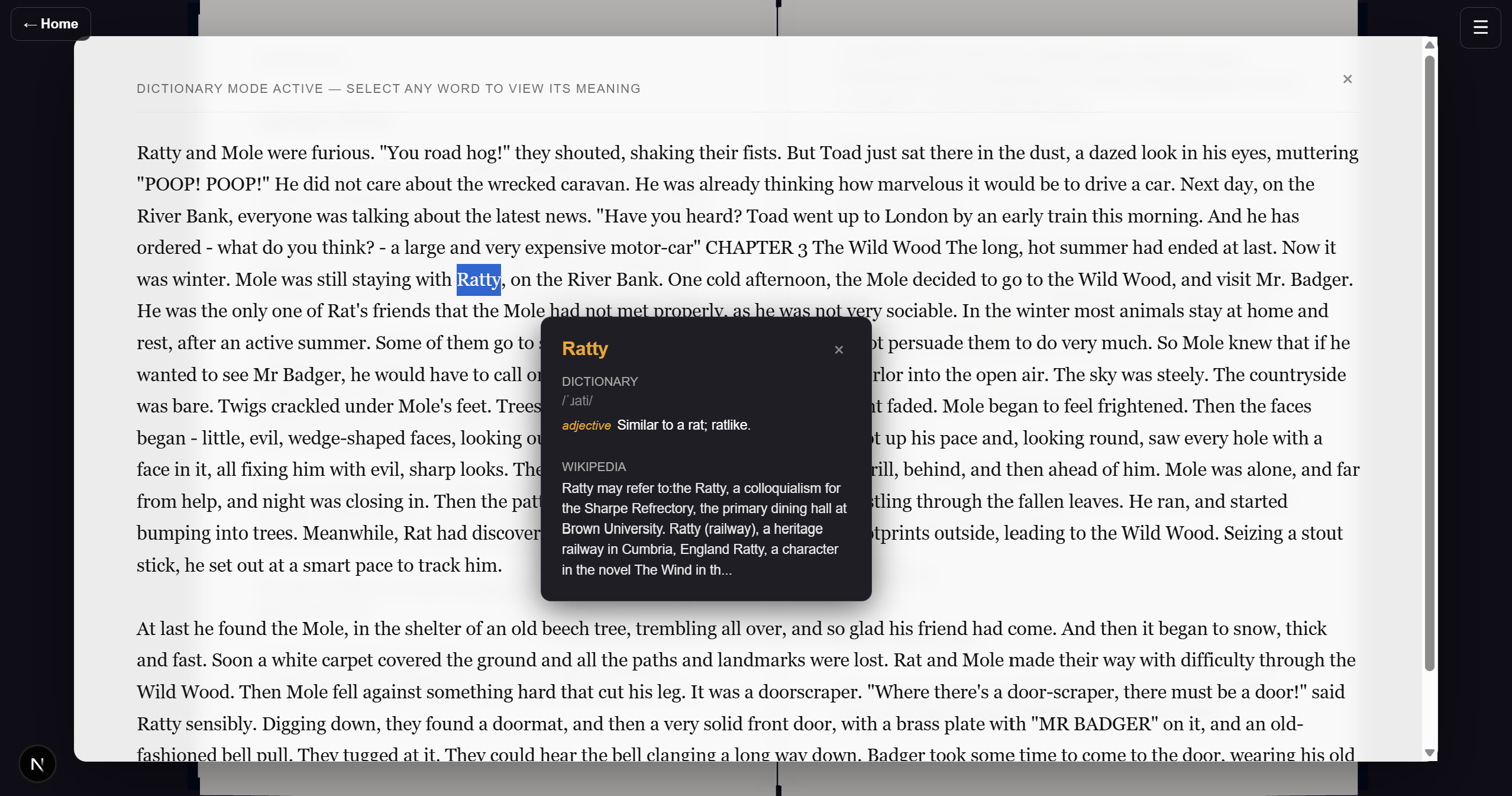
Paper, Sepia and Night themes — plus Reflow, Dictionary lookup and Text‑to‑speech.
“A reader lives a thousand lives before he dies.”— George R.R. Martin
How it works
Open the reader
Click “Open Reader” — it loads instantly in your browser.
Choose a PDF
Hit “Open PDF” and pick any file from your device.
Read in 3D
Flip through the spread, zoom into a section, or switch reading modes.
Ready to read?
Open the reader and drop in your first PDF.